Fixing the Infinite Loading Pitfall in Salesforce Lightning Datatable
Quick Summary
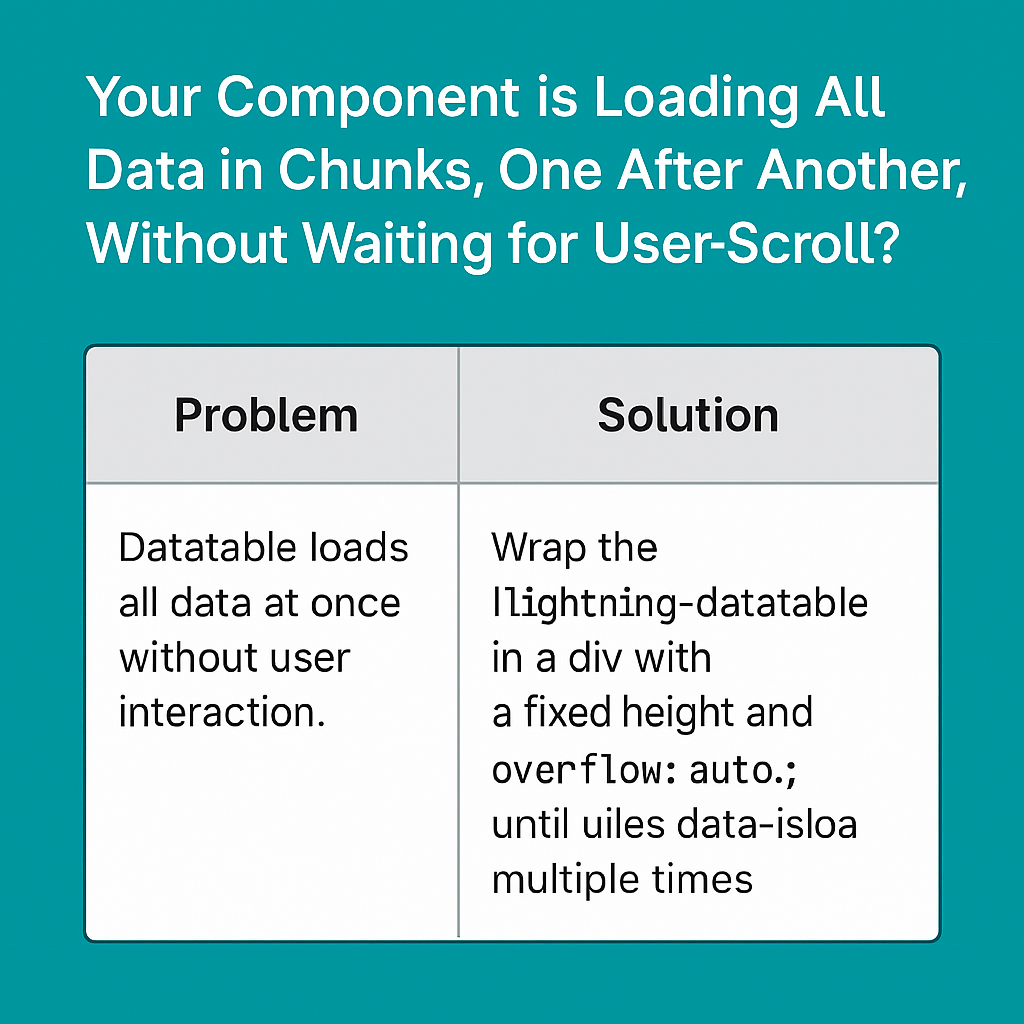
Your Component is Loading All Data in Chunks, One After Another, Without Waiting for User Scroll? This is a Known Pitfall with Lightning-Datatable's Infinite Loading
If the table's height is large enough to show more rows than you initially load, the datatable will keep firing onloadmore until it fills the visible area.
Why is this happening?
lightning-datatable tries to fill its visible area. If your initial data (e.g., 50 rows) is not enough to fill the table, it fires onloadmore again and again until the table is full or all data is loaded. This is especially common if your table is inside a container with a lot of vertical space, or if you have not set a fixed height.
How to Fix
Set a Fixed Height on the Datatable Container
Wrap your datatable in a container with a fixed height and overflow: auto;. This ensures the table only loads more data when the user scrolls.
Seeing it in Action: A Problematic Code Example
Let's look at a typical implementation of a Lightning Web Component (LWC) that will exhibit this infinite loading issue.
HTML (datatableLoop.html)
<template>
    <lightning-card title="Products" icon-name="standard:product">
        <div class="slds-m-around_medium">
            <lightning-datatable
                key-field="id"
                data={data}
                columns={columns}
                enable-infinite-loading
                onloadmore={loadMoreData}>
            </lightning-datatable>
        </div>
    </lightning-card>
</template>
JavaScript (datatableLoop.js)
import { LightningElement, track } from 'lwc';

const columns = [
    { label: 'Product Name', fieldName: 'name' },
    { label: 'Price', fieldName: 'price', type: 'currency' },
];

export default class DatatableLoop extends LightningElement {
    @track data = [];
    @track columns = columns;
    totalRecords = 1000;
    recordsLoaded = 0;

    connectedCallback() {
        this.loadData();
    }

    loadData() {
        // Simulating a data fetch
        return new Promise(resolve => {
            const newData = [];
            for(let i = 0; i < 50; i++) {
                if (this.recordsLoaded + i < this.totalRecords) {
                    newData.push({
                        id: 'product' + (this.recordsLoaded + i),
                        name: 'Product ' + (this.recordsLoaded + i),
                        price: Math.random() * 100
                    });
                }
            }
            this.recordsLoaded += newData.length;
            this.data = [...this.data, ...newData];
            resolve();
        });
    }

    async loadMoreData(event) {
        if (this.recordsLoaded >= this.totalRecords) {
            event.target.enableInfiniteLoading = false;
            return;
        }
        await this.loadData();
    }
}
In this example, because the lightning-datatable is in a standard div, it will try to expand to fill the available space on the card. This will likely trigger loadMoreData multiple times without the user ever scrolling.
Here is how you can modify the HTML to fix the issue.
Fixed HTML (datatableLoopFixed.html)
<template>
    <lightning-card title="Products" icon-name="standard:product">
        <div class="slds-m-around_medium">
            <div style="height: 300px; overflow: auto;">
                <lightning-datatable
                    key-field="id"
                    data={data}
                    columns={columns}
                    enable-infinite-loading
                    onloadmore={loadMoreData}>
                </lightning-datatable>
            </div>
        </div>
    </lightning-card>
</template>
By wrapping the lightning-datatable in a div with height: 300px; and overflow: auto;, we create a contained space for the table. Now, the onloadmore event will only fire when the user actually scrolls to the bottom of this container, which is the intended behavior. You can adjust the height as needed to fit your user interface.
Quick Summary
| Problem | Solution |
|---|---|
| Datatable loads all data at once without user interaction. | Wrap the lightning-datatable in a div with a fixed height and overflow: auto;. |
Conclusion
Add a fixed-height container around your datatable, and your lazy loading will work as expected!

Comments
Post a Comment